AI for HVAC and Plumbing Companies: Booking, Dispatch, Follow-Up
Your phone rings at 10 p.m. with a no-heat call. AI answering, smart dispatch and automated follow-up decide whether that job lands on your board or a competitor's.

CTO & Founder, The Fort AI Agency
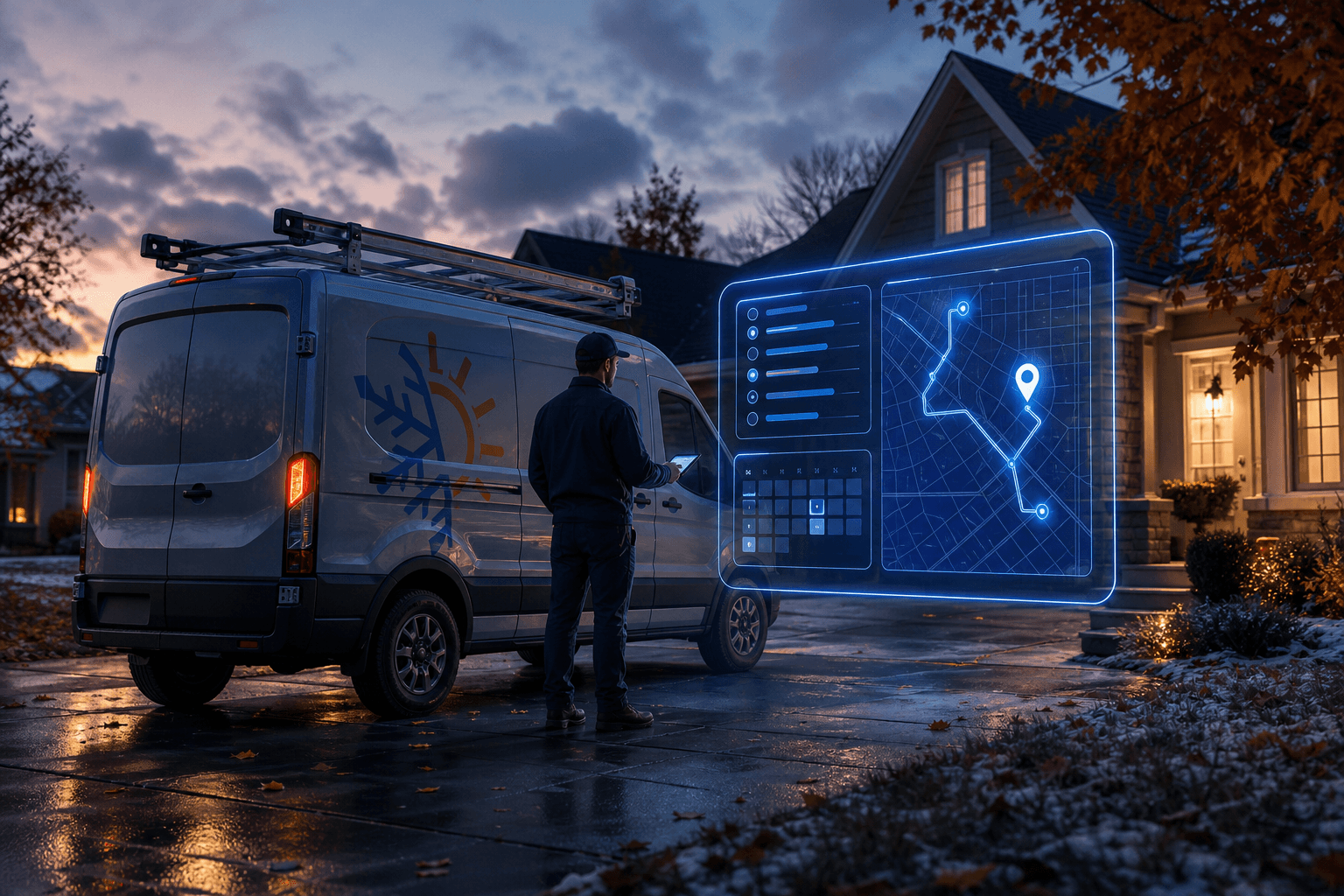
It's 10:47 on a Tuesday night in late October. The first real cold snap just hit, a furnace somewhere won't fire, and a homeowner is calling every HVAC company on the first page of Google until somebody picks up. AI for HVAC and plumbing companies comes down to one thing: making sure you're the one who picks up. Then you book the job, get the right tech there, and follow up so the customer calls you again next time.
This guide covers what AI actually does for home-services shops as of October 2026, what it doesn't do, and how to think about cost without getting fleeced. No hype. Just the stuff that moves trucks.
Key Takeaways
- AI for HVAC and plumbing companies works best in three places: booking, dispatch support and customer follow-up.
- AI can answer service calls after hours. It can triage the call, book the appointment and escalate true emergencies to your on-call tech.
- Emergency guardrails are non-negotiable. Gas smells, carbon monoxide alarms and flooding must route to a human or emergency services, never to a calendar slot.
- Your AI is only as good as your data. If your price book, service areas and tech skills live in someone's head, fix that first.
- Cost is mostly subscriptions plus setup. A small shop can usually start with a monthly subscription and a focused implementation instead of a big custom build.
- Start with one workflow. Prove it on after-hours calls or review requests, then expand.
- Being readable by AI engines matters too. Homeowners increasingly ask ChatGPT, Perplexity and Google AI Overviews who to call.
How Can HVAC Companies Use AI?
HVAC companies use AI to answer and book calls, help dispatchers match the right tech to the right job, and automate follow-up like reminders, review requests and maintenance-plan renewals. The biggest wins come from the phone and the calendar, not from flashy diagnostics. If AI makes sure every call gets answered and every customer hears back, it's already paying its way.
Here's how that breaks down in a real shop.
AI for Booking: Never Miss the Call
Your CSRs are great until they're on another line, at lunch, or asleep. An AI voice agent (sometimes called an AI receptionist) answers the phone, holds a natural conversation, and books the job directly into your field service management (FSM) software.
A well-built booking agent can:
- Identify the caller and pull up their service history from your FSM
- Ask the right triage questions: Is the system blowing cold air? Is there water on the floor? Any smell of gas?
- Check the schedule and offer real open slots
- Confirm the service address against your service area
- Send a text confirmation with the appointment window
The major FSM platforms, including ServiceTitan, Housecall Pro, Jobber and FieldEdge, have been adding AI features and integrations. Before you buy a standalone tool, check what your current platform already offers. Paying twice for the same feature is a classic small-business tax.
AI for Dispatch: Right Tech, Right Truck, Right Order
Dispatch is where good shops quietly lose money. You send the wrong tech, they don't have the part, and now it's a second trip.
AI-assisted dispatch doesn't replace your dispatcher. It gives them a sharper pencil:
- Skill matching: It flags that a commercial rooftop unit needs your certified tech, not the apprentice.
- Route awareness: It suggests job order based on location and drive time.
- Job notes summarized: The tech gets a clean summary of the call before they pull into the driveway.
- Parts prediction: It looks at the reported symptom and equipment history and suggests what to have on the truck.
The key word is assisted. Your dispatcher knows that Mrs. Henderson's driveway floods and that one tech is better with older customers. Keep a human making the final call.
AI for Follow-Up: Where the Repeat Revenue Lives
This is the most underrated piece. Most shops are fine at the first visit and sloppy afterward. AI fixes that without adding headcount.
- Appointment reminders by text, with an easy reschedule link
- Post-job check-ins: Is everything still working?
- Review requests sent while the customer is still happy, linked to your Google Business Profile
- Maintenance agreement renewals and seasonal tune-up reminders before spring and fall
- Estimate follow-up on unsold quotes, especially big-ticket system replacements
Unsold replacement estimates are money sitting on the table. A polite, well-timed follow-up sequence is often the difference between a quote that dies and one that closes.
Can AI Answer Service Calls After Hours?
Yes. AI can answer service calls after hours, triage the problem, book routine jobs for the next available slot, and escalate true emergencies to your on-call technician in real time. This is the single most common starting point we recommend at The Fort AI Agency, because the value is easy to see. Calls that used to hit voicemail now become booked jobs.
But there's a right way and a dangerous way to do it.
What a Good After-Hours AI Setup Looks Like
- Answers fast and sounds human, with a clear, friendly greeting in your company's name.
- Triages the problem with a short decision tree you wrote: no heat, no cooling, leak, clog, no hot water, and so on.
- Separates urgent from routine. A dripping faucet can wait until morning. Burst pipes cannot.
- Books or escalates. Routine jobs go on the calendar. Urgent jobs page your on-call tech with a summary.
- Quotes your after-hours policy clearly, including any emergency or trip charge you've set, so nobody is surprised.
- Logs everything into your FSM so the morning crew sees exactly what happened overnight.
The Guardrails That Protect Your Customers (and Your License)
Some calls should never be handled as a booking. Hard-code these:
- Gas smell: The AI tells the caller to leave the home right away and contact their gas utility or 911 from outside, then alerts your on-call tech.
- Carbon monoxide alarm: Same thing. Get out, call 911, then notify your team.
- Active flooding: Walk them through shutting off the main water valve if it's safe, then escalate immediately.
- Anyone who says it's an emergency: Escalate. Don't argue with a scared homeowner.
Andy Oberlin spent 20 years running an MSP before founding The Fort AI Agency, and that background shapes this piece. Automation should fail safe, not fail silent. If the AI is unsure, it hands off to a human. Every time.
What Does AI Cost for a Small Home-Services Company?
For a small home-services company, AI cost usually comes down to three things: software subscriptions, a one-time setup and integration effort, and a little ongoing tuning. You don't need a custom-built system to start. Most small HVAC and plumbing shops can get real results by configuring tools that already exist and connecting them to the FSM they already use.
We won't throw out made-up price ranges here, because pricing varies widely by vendor, call volume and features. Instead, here's what you're actually paying for.
The Cost Components
- AI voice or answering service: Usually a monthly subscription, often tied to call volume or minutes.
- FSM add-ons: Some platforms bundle AI features into higher-tier plans. Others charge separately.
- Messaging: Text reminders and follow-ups run through services like Twilio or your FSM's built-in texting, typically billed by usage.
- Automation glue: Tools like Zapier or Make connect systems that don't talk to each other natively.
- Setup and training: Writing call scripts, triage rules, escalation paths and testing. This is where most of the value, and most of the mistakes, happen.
How to Think About ROI Without Fake Math
Skip the vendor's glossy ROI calculator. Do this instead:
- Count your missed calls for a few weeks. Your phone system or FSM can usually show this.
- Look at your average ticket for the call types you're missing.
- Ask honestly how many of those missed callers booked with someone else.
If the AI saves even a handful of jobs a month that you'd otherwise lose, the math tends to work out quickly. If your phones are already covered around the clock, start with follow-up instead.
How to Roll Out AI in Your HVAC or Plumbing Company
The biggest mistake we see is trying to automate everything at once. Here's the order that works.
- Clean up your data. Price book, service area zip codes, tech skills, business hours, after-hours policy. If it's not written down, the AI can't use it.
- Pick one workflow. After-hours answering or review requests are the easiest wins.
- Write the call script and triage rules yourself. You know your trade. The AI doesn't, until you teach it.
- Test with your own team. Have your techs and CSRs call in pretending to be the worst customers they've ever had.
- Go live with a human backstop. For the first few weeks, have someone review every AI-handled call each morning.
- Tune weekly. Fix the questions it fumbles. Adjust escalation rules.
- Expand only after it's boring. When the first workflow runs without drama, add the next one.
Where AI for Plumbing and HVAC Goes Wrong
Let's be honest about the failure modes, because nobody selling software will be.
- No escalation path. An AI that books a gas-leak call for Thursday is a lawsuit waiting to happen.
- Garbage data. If your FSM has duplicate customers and outdated service areas, the AI will confidently book the wrong address.
- Over-promising on price. Don't let AI quote repair prices it can't verify. Let it quote your diagnostic or trip fee and stop there.
- Hiding that it's AI. Customers generally don't mind talking to an AI if it's helpful. They mind being tricked. Be upfront.
- Set it and forget it. Your business changes every season. Your AI's instructions should too.
- Data privacy blind spots. Know where call recordings and customer data are stored and who can access them. Read the vendor's data terms, which is a habit Andy carried over from his MSP years.
Why Being Machine-Readable Matters for Home-Services Companies
Here's the part most contractors miss. AI isn't just answering your phones. It's also answering your customers' questions before they ever call.
When a homeowner asks ChatGPT, Claude, Perplexity or Google AI Overviews for a reliable plumber nearby, those engines pull from websites, reviews and business listings. If your site is a thin page with a phone number and a stock photo of a smiling guy holding a wrench, you won't get cited.
This is a live debate in tech circles right now. This week, a Hacker News front-page thread asked whether the web for machines, built around the proposed llms.txt convention, is the web we wished we had as humans. For a home-services company, the practical takeaway is simple:
- Answer real questions on your site: What does a no-heat call cost to diagnose? Do you service tankless water heaters? What areas do you cover?
- Keep your Google Business Profile complete and current, including hours, services and photos.
- Collect reviews consistently. Your AI follow-up workflow does double duty here.
- Use clear structure: headings, FAQs and service pages that machines and humans can both scan.
This is the same Answer Engine Optimization work The Fort AI Agency does for its own content, and it applies directly to local trades.
Frequently Asked Questions
How can HVAC companies use AI?
HVAC companies use AI to answer and book service calls, support dispatchers with tech matching and routing, and automate follow-up such as reminders, review requests and maintenance-plan renewals. The fastest wins usually come from phone coverage and follow-up, because those directly protect revenue.
Can AI answer service calls after hours?
Yes. AI voice agents can answer after-hours calls, ask triage questions, book routine jobs and escalate emergencies to your on-call technician. Gas smells, carbon monoxide alarms and active flooding must always trigger immediate safety instructions and a human escalation.
What does AI cost for a small home-services company?
AI cost for a small home-services company is mainly software subscriptions, a one-time setup effort and light ongoing tuning. Pricing varies widely by vendor and call volume, so measure your missed calls and lost jobs first to judge whether a given tool pays for itself.
Will AI replace my CSRs or dispatchers?
No. AI handles overflow, after-hours calls and repetitive follow-up so your CSRs and dispatchers can focus on the tricky calls and the judgment calls. The best results come from AI and people working together, with humans making final decisions.
Does AI work with ServiceTitan, Housecall Pro or Jobber?
Many AI tools integrate with major field service platforms like ServiceTitan, Housecall Pro and Jobber, and some of those platforms now offer their own AI features. Check what your current FSM includes before buying a separate tool.
Ready to Stop Losing After-Hours Calls?
You don't need a moonshot. You need the phone answered, the right tech in the driveway, and a customer who hears from you again before they need you.
The Fort AI Agency, led by Andy Oberlin out of Fort Wayne, Indiana, helps HVAC and plumbing companies pick the right workflow, wire it into the tools you already use, and set the guardrails that keep customers safe. Schedule a free consultation at thefortaiagency.ai, and we'll look at where your calls and jobs are slipping through the cracks.
Want this working in your business?
Book a free 30-minute call. If it's a fit, we come on site and give you a written plan for what to automate first.
Related AI Resources and Insights
AI Chatbots vs AI Agents: What's the Actual Difference?
Confused about AI chatbots vs AI agents? Learn the real difference, what AI agents can do that chatbots can't, and which one your business should use in 2026.
What Is AEO? Answer Engine Optimization Is the New SEO in 2026
Answer Engine Optimization (AEO) is becoming more critical than traditional SEO as AI chatbots like ChatGPT and Google AI Overviews reshape how people search for information.